

Only a few special characters are allowed in a UPI ID. The National Payments Corporation of India (NPCI) permits letters (a to z), numbers (0 to 9), and three symbols: the dot (.), hyphen (-), and underscore (_) in the username portion of a UPI ID.
Characters such as #, $, %, !, *, and spaces are not allowed. Following these rules ensures your UPI ID works correctly across all payment apps and banks in India.
Can You Use Special Characters in a UPI ID?
Yes, but only a limited set. A UPI ID, also called a Virtual Payment Address (VPA), acts as your digital payment address. It follows the format username@handle, similar to an email address.
The username is the part you create. The handle is assigned by your bank or payment app. Between these two parts, the @ symbol serves as a mandatory separator.
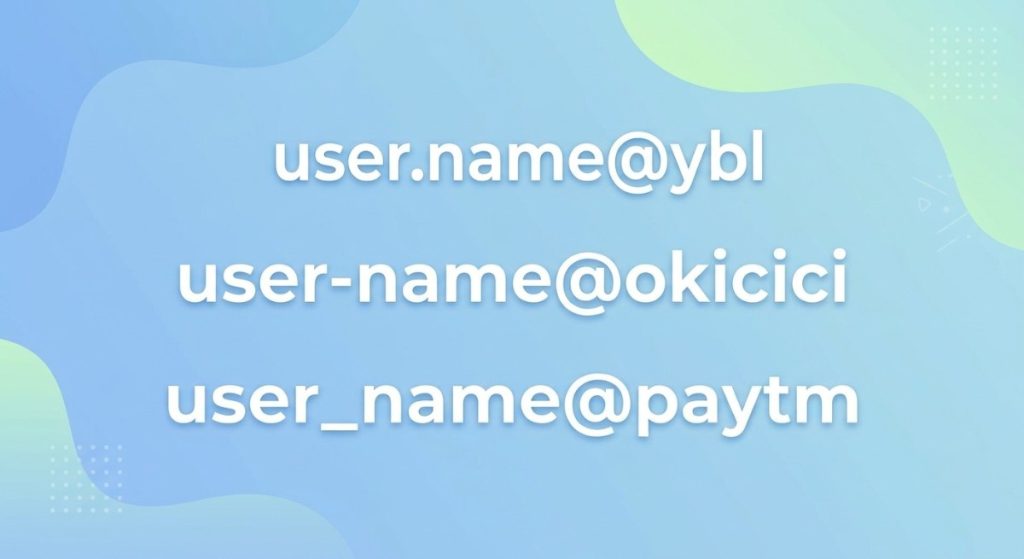
In the username portion, you can use letters, numbers, and three specific symbols. These are the dot (.), hyphen (-), and underscore (_). No other special characters are permitted.
This matters because using a restricted character will prevent the app from accepting your UPI ID. In some cases, it can also cause payment failures.
UPI ID Format Rules You Need to Know
Every UPI ID must follow a standard structure set by NPCI. Understanding these rules helps you create a valid ID on the first attempt.
Here are the key format rules:
- Structure: Every UPI ID follows the pattern username@handle. For example, rahul.sharma@okicici.
- Username characters: The system allows only lowercase and uppercase letters (a–z, A–Z), digits (0–9), dots (.), hyphens (-), and underscores (_) in the username portion.
- Username length: The username must be at least 3 characters and can go up to 60 characters, depending on the UPI app.
- Total length: The complete UPI ID (username + @ + handle) should not exceed 100 characters.
- Handle rules: The handle after the @ symbol is assigned by NPCI and is usually in lowercase. Common handles include @ybl, @okicici, @paytm, @sbi, and @hdfcbank.
- Case sensitivity: UPI IDs can be case-sensitive, meaning Rahul@pnb and rahul@pnb may be treated as different addresses. Using lowercase is the safest practice.
Unlike card-based transactions where you need to remember long account numbers, UPI IDs offer a simpler way to send and receive money. If you are exploring the broader differences between credit cards and debit cards, UPI adds a third layer of convenience by removing the need to share any bank details at all.
Which Special Characters Are Allowed in a UPI ID?
The system allows only three special characters in the username part of a UPI ID.
| Character | Symbol | Example UPI ID |
|---|---|---|
| Dot | . | mohan.kumar@ybl |
| Hyphen | – | suresh-gupta@okicici |
| Underscore | _ | priya_payments@paytm |
These three characters serve a specific purpose. They help you separate words in your username, making it more readable and easier to share.
The @ symbol is also present in every UPI ID, but it is not a user-chosen character. It is a fixed structural separator that divides the username from the handle. You cannot add, remove, or change its position.
Note: Some UPI apps, such as Freecharge, only permit the dot and hyphen while restricting the underscore. Always check your specific app’s rules when creating or customizing your UPI ID.
Which Characters Are Not Allowed in a UPI ID?
A large number of special characters are blocked in UPI IDs. NPCI restricts these to maintain security, system compatibility, and consistency across all banks and apps.
Commonly restricted characters include:
| Not Allowed | Symbols |
|---|---|
| Hash, Dollar, Percent | #, $, % |
| Ampersand, Asterisk | &, * |
| Exclamation, Question mark | !, ? |
| Slash, Backslash | /, \ |
| Brackets | ( ), [ ], { } |
| At (as part of username) | @ (only used as separator) |
| Spaces | Any blank space |
If you try to enter any of these characters, the UPI app will either reject the ID or display an error message. This is not a bug. It is by design to prevent technical issues during payment processing.
Why are these characters blocked?
Restricted characters can conflict with how banking systems process data. A symbol like # or $ could be misinterpreted by a server, leading to failed transactions. Blocking them ensures every UPI ID works consistently across all payment service providers in India.
UPI ID vs UPI Transaction ID: An Important Clarification
Many users confuse UPI IDs with UPI transaction IDs, especially after NPCI’s February 2025 circular. These are two entirely different things.
Your UPI ID (like rahul@ybl) is your payment address. It identifies you on the UPI network and remains the same unless you change it.
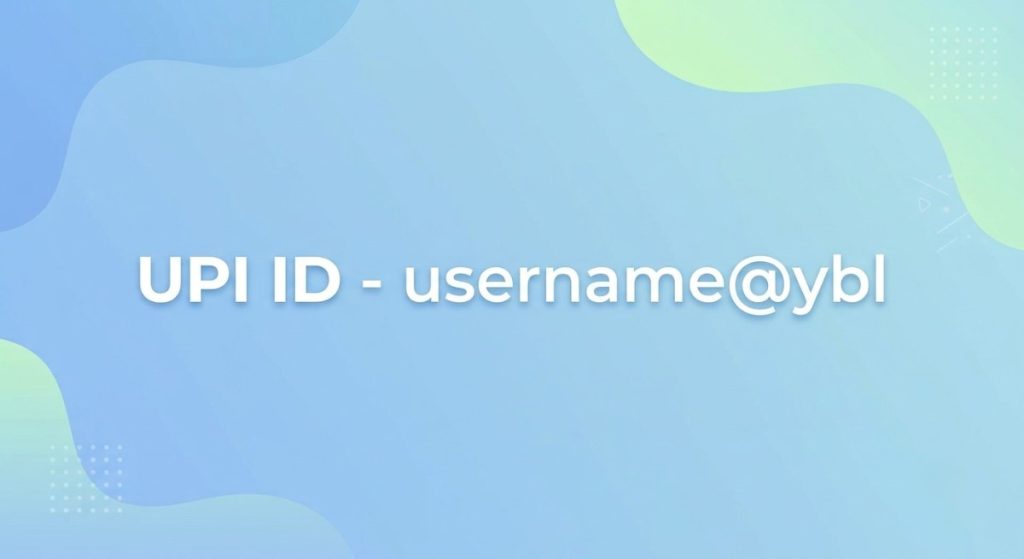
A UPI Transaction ID is a 35-character alphanumeric code that your payment app automatically generates for each transaction and uses internally to track and settle payments.
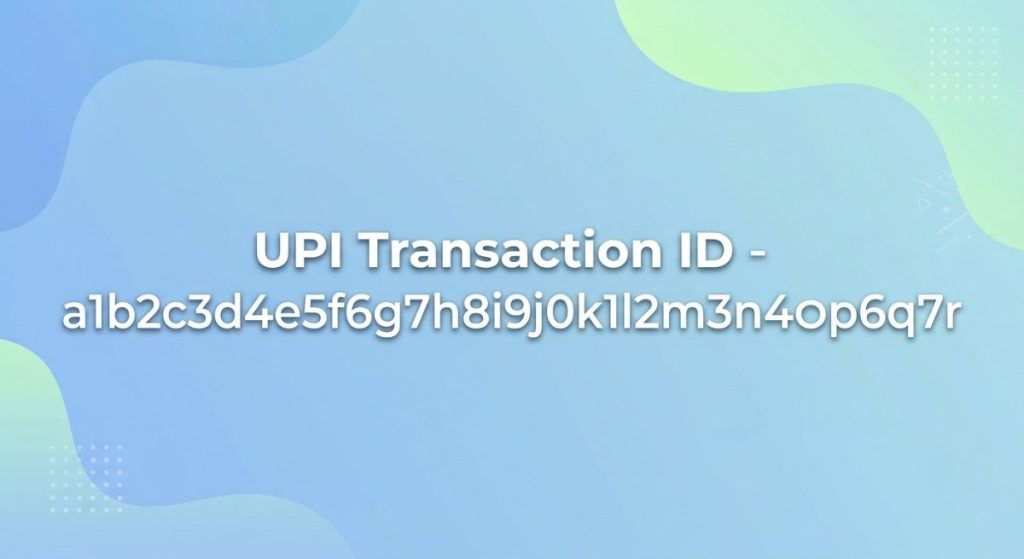
In January 2025, NPCI issued a circular directing all payment service providers to use only alphanumeric characters in transaction IDs. Starting February 1, 2025, transactions with special characters in the transaction ID are declined by the central system.
This rule applies only to transaction IDs, not to your UPI ID. Your UPI ID containing a dot, hyphen, or underscore continues to work normally. There is no need to change it.
Examples of Valid and Invalid UPI IDs
Seeing real examples makes the rules easier to understand.
Valid UPI IDs:
| UPI ID | Why It Works |
|---|---|
| anilsharma@ybl | Uses only letters |
| user2024@okicici | Combines letters and numbers |
| mohan.kumar@paytm | Uses a dot to separate names |
| suresh-id@hdfcbank | Uses a hyphen |
| priya_pay@sbi | Uses an underscore |
| 9876543210@ybl | Uses only numbers (mobile number) |
Invalid UPI IDs:
| UPI ID | Why It Fails |
|---|---|
| anil sharma@ybl | Contains a space |
| user#2024@okicici | Contains # (restricted) |
| mohan&kumar@paytm | Contains & (restricted) |
| suresh!@hdfcbank | Contains ! (restricted) |
| @ybl | Missing username |
| priya@pay@sbi | Contains two @ symbols |
These examples show that even a single wrong character will make a UPI ID invalid. Always double-check before finalizing your ID.
Common Mistakes to Avoid While Choosing a UPI ID
Even experienced UPI users sometimes make formatting errors. Here are the most frequent mistakes and how to avoid them.
1. Adding spaces in the username. Spaces are invisible but cause instant rejection. If your name has two parts, use a dot, hyphen, or underscore instead. For example, use ram.kumar rather than ram kumar.
2. Using restricted symbols: Characters like #, $, or & may seem convenient but are not allowed. Stick to the three permitted symbols.
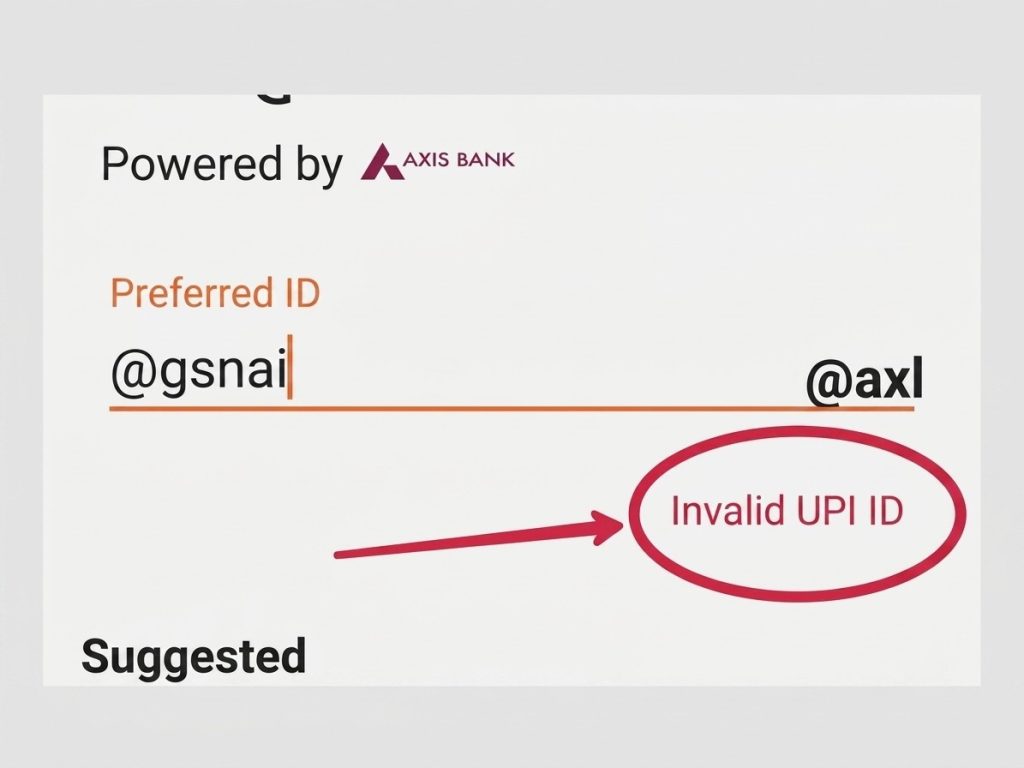
3. Copying a UPI ID from a message: When you copy-paste a UPI ID from a text message or chat, invisible characters or trailing spaces can get included. Always verify the ID inside the app before making a payment.
4. Ignoring case sensitivity: Since UPI IDs can be case-sensitive, sharing your ID as RaHuL@ybl when it was created as rahul@ybl may cause a mismatch. Use lowercase consistently.
5. Confusing the UPI ID with the transaction ID. As explained above, these serve different purposes. Your UPI ID is your permanent address. The transaction ID is a system-generated code for each payment.
For users who also manage card-based payments, keeping track of multiple financial identifiers can get confusing. Understanding how to check your credit card balance separately helps you stay on top of all your accounts.
Tips for Choosing a Secure and Easy-to-Remember UPI ID
Your UPI ID is something you will share with friends, family, and merchants. Choosing a good one saves time and avoids confusion.
- Keep it simple: Use your name, initials, or mobile number. Avoid overly complex combinations that are hard to recall.
- Use dots or hyphens for readability: An ID like anil.sharma@ybl is easier to read and share than anilsharma@ybl.
- Avoid personal details that reveal too much. Do not include your date of birth, PAN number, or bank account number in your UPI ID. While UPI IDs are safe to share, unnecessary details increase risk.
- Check availability first: Popular names get taken quickly. If rahul@ybl is unavailable, try rahul.k@ybl or rahul2026@ybl.
- Use the same pattern across apps: If you have multiple UPI IDs across Google Pay, PhonePe, or your bank’s app, using a consistent naming pattern makes them easier to manage.
- Never share your UPI PIN. Your UPI ID is safe to share, but your 4-6-digit UPI PIN should never be disclosed to anyone, including bank officials or customer support agents.
Beyond UPI, maintaining security across all your digital payment tools is equally important. Users who frequently transact through multiple channels can also explore the advantages of using credit cards for specific use cases where additional purchase protection or rewards are beneficial.
Conclusion: UPI IDs allow only dots, hyphens, and underscores as special characters
UPI IDs follow a strict format defined by NPCI to ensure every transaction processes smoothly across all banks and apps.
You can use letters, numbers, and three permitted symbols (dot, hyphen, underscore) in your username. All other special characters, including spaces, are blocked for security and compatibility reasons.
Choosing a simple, memorable UPI ID with the correct characters ensures hassle-free payments every time you transact.
FAQs
Yes, most UPI apps allow you to create a new UPI ID or modify the existing one. Go to the profile or UPI settings section of your app to update it. Your old ID may remain active or get released depending on the app.
It can. Some banks treat UPI IDs as case-sensitive, so Rahul@pnb and rahul@pnb could be different addresses. To avoid issues, always use lowercase letters.
No. The NPCI circular of January 2025 applies only to UPI transaction IDs generated by payment apps. Your personal UPI ID (like name.surname@ybl) is unaffected and continues to work as before.
If the UPI ID does not exist or contains invalid characters, the transaction will fail. Always use the “Verify” feature in your UPI app before sending money to confirm the recipient’s name.