

ICICI Bank UPI is a fast and secure digital payment system that lets users send and receive money instantly using a UPI ID, without sharing account details.
It works 24/7 through the iMobile Pay app or other UPI-enabled apps, supporting QR code payments, peer-to-peer transfers, and bill payments with strong UPI PIN security.
In this article, we will explore how ICICI Bank UPI works, its features, benefits, limits, security measures, and troubleshooting tips to make digital payments easier.
What is ICICI Bank UPI?
ICICI Bank UPI is a real-time digital payment system that allows users to send and receive money instantly using a UPI ID linked to their bank account.
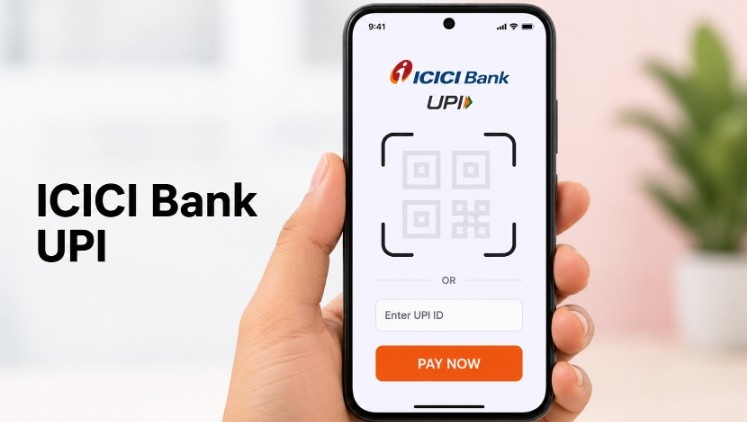
It removes the need for account numbers or IFSC codes, enabling secure peer-to-peer transfers, merchant payments, and bill payments through the iMobile Pay app or any UPI-enabled app.
Millions of Indians use ICICI Bank UPI daily for its convenience, speed, and 24/7 availability, making it one of the most popular digital payment options in the country.
ICICI Bank UPI ID Format
An ICICI Bank UPI ID (also called a Virtual Payment Address or VPA) is a unique identifier that allows you to send and receive money without sharing your bank account number or IFSC code.
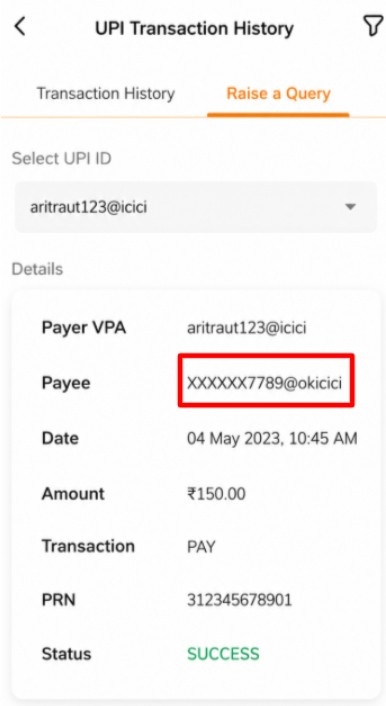
The UPI ID format usually looks like this:
- mobilenumber@icici
- username@icici
- customname@icici
Depending on the UPI app you use, the handle may also vary. For example:
| UPI App | Example UPI ID |
|---|---|
| iMobile Pay | mobilenumber@icici |
| Google Pay | mobilenumber@okicici |
| PhonePe | mobilenumber@ybl / name@ybl |
| BHIM | username@icici |
How ICICI Bank UPI Works: Step-by-Step Guide
Using ICICI Bank UPI is simple and user-friendly, allowing instant money transfers, merchant payments, and bill settlements directly from your mobile phone.
Once your account is linked and your UPI PIN is set, transactions become seamless and secure.
Step 1: Download the iMobile Pay App
Install the ICICI Bank iMobile Pay app from Google Play or the App Store to start using UPI services.

Step 2: Link Your Bank Account
Open the app, go to the UPI section, and link your ICICI Bank account to create a UPI ID.
Step 3: Set Your UPI PIN.
Choose a secure UPI PIN, which will be used to authenticate all transactions.

Step 4: Send Money.
After entering the recipient’s UPI ID or mobile number or scanning their QR code, enter the amount. Finally, confirm the transaction using your UPI PIN.
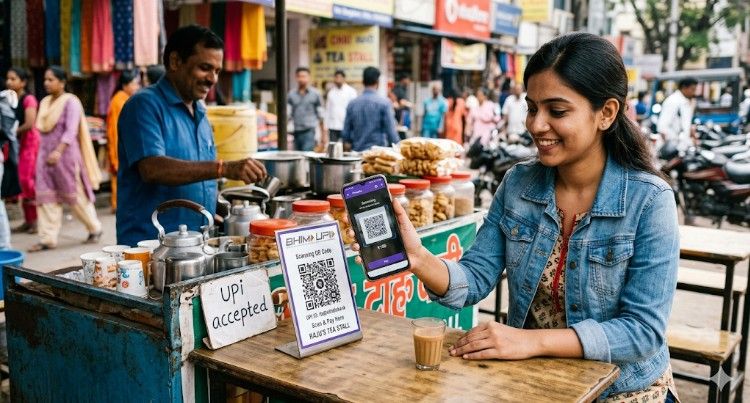
Step 5: Receive Money.
Share your UPI ID or QR code with others to receive payments instantly into your ICICI Bank account.
Step 6: Make Merchant Payments
Scan merchant QR codes at stores or pay online directly using your UPI ID for seamless transactions.
ICICI Bank UPI Features
ICICI Bank UPI comes packed with features that make digital payments fast, secure, and convenient. It allows users to manage all their transactions directly from their mobile phone with ease.
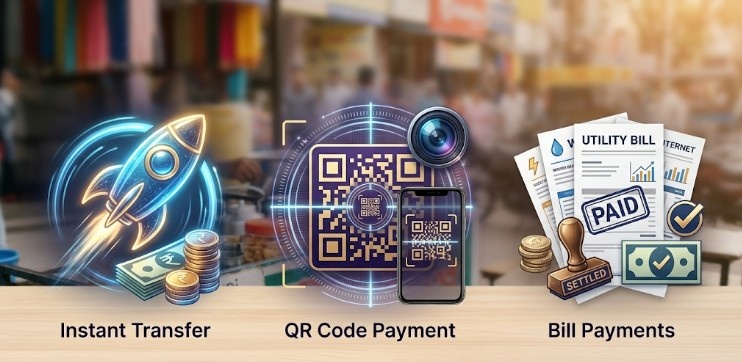
Some of the key features include:
- Instant Money Transfer: Send and receive funds in real time, 24/7, without any delays.
- UPI ID & QR Payments: Make payments using your UPI ID, mobile number, or by scanning QR codes at merchants.
- Multi-Bank Support: Link multiple bank accounts to a single UPI ID for more flexibility.
- Secure Transactions: Every transaction is protected with a UPI PIN and bank-grade encryption.
- Bill Payments & Recharges: Pay utility bills, recharge mobile/DTH, or make online payments effortlessly.
- Cross-Platform Access: Use UPI via ICICI Bank’s iMobile Pay app or any other UPI-enabled application.
Benefits of Using ICICI Bank UPI for Instant Payments
ICICI Bank UPI provides a host of benefits that make digital payments faster, safer, and more convenient. It empowers users to send and receive money instantly, anytime, and anywhere, directly from their mobile phones.
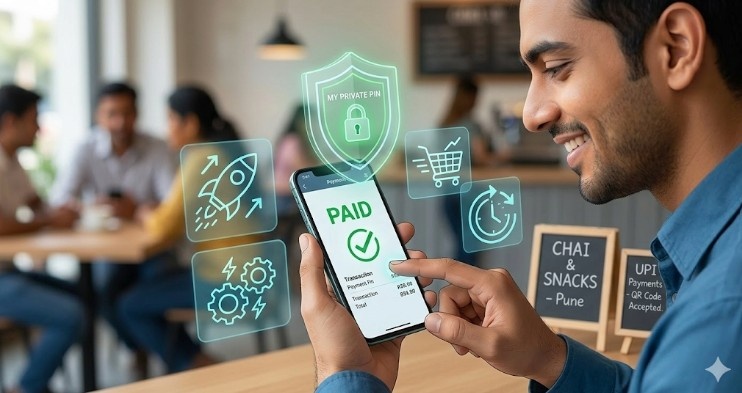
Some of the key benefits include:
- Instant Transactions: Money transfers are completed within seconds, thereby ensuring immediate payments for both personal and merchant transactions.
- Convenience: Payments can be made without sharing bank account details, making the process simple and hassle-free.
- Secure Payments: Transactions are protected with UPI PINs and bank-grade encryption for maximum safety.
- No Charges: Most UPI transactions through ICICI Bank are free, making digital payments cost-effective.
- Wide Acceptance: Users can use ICICI Bank UPI to make merchant payments, settle bills, and complete recharges across India.
- Multi-Bank Flexibility: Users can link multiple bank accounts to a single UPI ID, allowing easy fund management.
ICICI Bank UPI Limits and Guidelines
ICICI Bank sets UPI limits to ensure safe and manageable digital transactions.
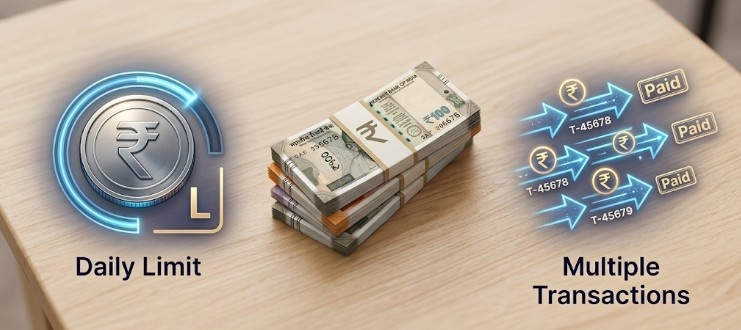
These guidelines define daily and per-transaction caps, helping users make payments securely and avoid failed transactions.
| Transaction Type | ICICI Bank UPI Limit |
|---|---|
| Per Transaction | ₹1,00,000 |
| Daily Limit | ₹1,00,000 |
| Number of Transactions per Day | 10–20 (varies per app/bank) |
Additional Guidelines:
- Third-party UPI apps like Google Pay or PhonePe may have slightly different transaction limits.
- Non-resident Indians (NRIs) using UPI may face restrictions on international mobile numbers.
- Daily and per-transaction limits follow NPCI rules and are subject to updates. Hence, users should verify the applicable limits before making high-value transactions.
UPI Security with ICICI Bank
ICICI Bank UPI prioritizes the safety of your money and personal information. Every transaction is designed to be secure, ensuring that your payments remain protected against fraud and unauthorized access.
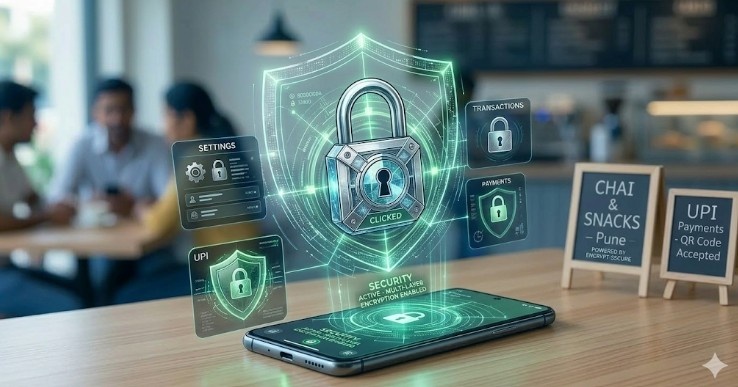
Some of the key security features include:
- UPI PIN Authentication: Each transaction requires a unique 4–6-digit PIN known only to the user.
- Two-Factor Security: Combines your UPI ID with the PIN for added protection.
- End-to-End Encryption: All payment data is encrypted, thereby safeguarding sensitive information throughout every transaction.
- Device Binding: UPI transactions are linked to your registered mobile device, preventing misuse on other devices.
- Fraud Detection: ICICI Bank monitors unusual activity and may automatically block suspicious transactions.
- Secure Third-Party App Integration: Transactions through apps like Google Pay or PhonePe are processed safely using ICICI Bank’s UPI infrastructure.
Troubleshooting Common UPI Issues
Although ICICI Bank UPI provides a smooth transaction experience, users may occasionally encounter minor issues, such as failed payments, PIN errors, or incorrect UPI IDs. Fortunately, most of these issues can be quickly identified and resolved.
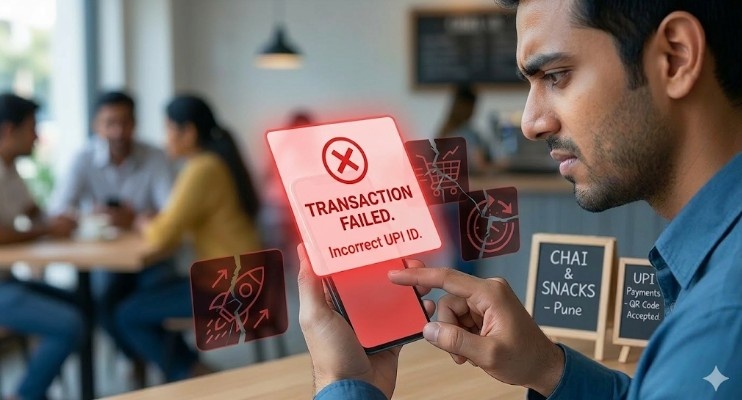
Knowing how to resolve them ensures uninterrupted digital payments.
- Failed Transactions: Check your account balance and internet connection. After verifying these details, try completing the transaction again after a few minutes.
- Forgot UPI PIN: Reset your UPI PIN securely via the iMobile Pay app or any linked UPI-enabled app.
- Incorrect UPI ID: First, verify the recipient’s UPI ID. Then, proceed with the payment to ensure the transaction reaches the correct recipient.
- Payment Not Received: Check the transaction status in your app; contact ICICI Bank support if funds are delayed.
- App or Server Issues: Ensure your app is up to date and your mobile has a stable internet connection.
Conclusion: Secure and Instant Digital Payments Using ICICI Bank UPI
ICICI Bank UPI enables fast, secure, and convenient money transfers directly from your mobile. Additionally, it makes digital payments simple and seamless for both personal and merchant transactions.
With features like QR payments, multi-bank linking, and strong security, ICICI Bank UPI offers a seamless experience anytime, anywhere, supporting instant peer-to-peer and bill payments.
Understanding its features, benefits, and guidelines ensures users can make the most of ICICI Bank UPI, enjoying hassle-free, reliable, and efficient digital payment solutions.
FAQs
You can reset your UPI PIN through the iMobile Pay app or any UPI-enabled app by verifying your debit card details and creating a new PIN.
Yes, ICICI Bank UPI allows linking multiple bank accounts to a single UPI ID, enabling seamless fund management and easier transactions across accounts.
ICICI Bank UPI IDs typically follow formats like mobilenumber@icici or username@icici, though the handle may vary depending on the UPI app used.
Yes, it uses UPI PIN authentication, end-to-end encryption, device binding, and fraud detection, ensuring secure and reliable digital transactions.
Check the account balance and internet connectivity first. Retry after a few minutes, or verify transaction status in your app. Contact ICICI Bank if unresolved.
Currently, ICICI Bank UPI is primarily for domestic transactions. NRIs can use it with Indian mobile numbers, but international payment support may be limited.