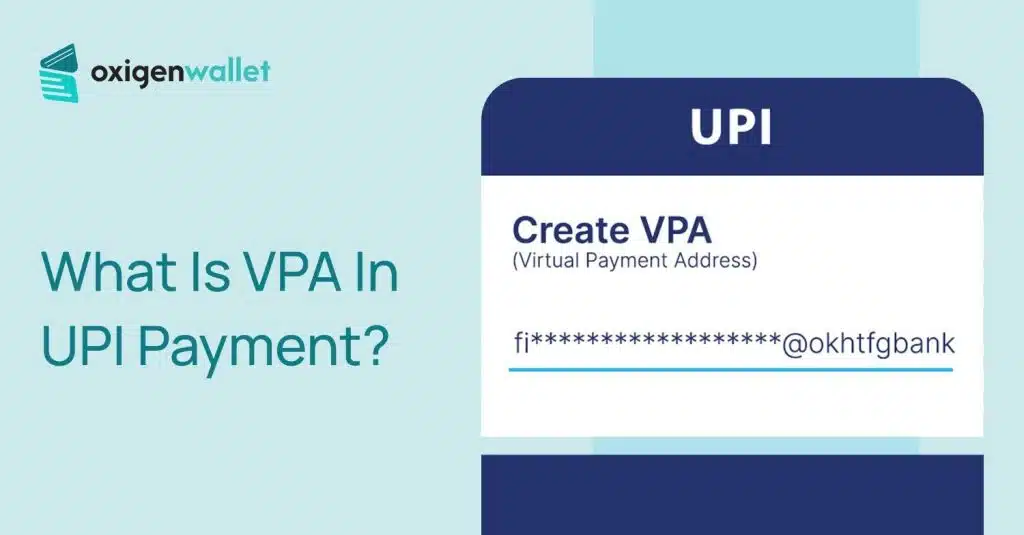


VPA stands for Virtual Payment Address. It’s a unique identifier that works like an email address for money.
You simply share your VPA (like yourname@bankname) to receive payments instead of sharing your bank account number and IFSC code.
You will find all the details about what a VPS is and all the things related to VPA in this article.
VPA In UPI Payment: Key Takeaways
- A VPA is your unique UPI ID that lets you send or receive money without sharing your bank account number.
- The format in the VPA should be username@handle (for example, rahul@ybl), where the username can be your name, phone number, or any ID you choose
- When someone sends you money, they only see your VPA, not your 16-digit account number, IFSC code, or branch details.
- You can share one VPA and receive payments from anyone using any UPI app—Google Pay, PhonePe, BHIM, Paytm, or even bank apps.
- Every VPA transaction requires your unique 4-6 digit PIN that only you know, plus your registered mobile device.
- VPA-based UPI payments are completely free for most users and happen in real-time, even on holidays and weekends.
The Structure Of A VPA: Username vs. Handle
A VPA follows a simple format: prefix@suffix (for example, ajay@okicici). The prefix is your chosen username, and the suffix is your bank or payment service provider’s handle.
| Component | Example | Description |
|---|---|---|
| Prefix (Username) | rahul.kumar | A unique name, mobile number, or ID chosen by you. |
| Separator | @ | The symbol connecting the user to the bank. |
| Suffix (Handle) | bankname | The bank or PSP providing the service (e.g., @oksbi, @ybl). |
Think of the prefix as your personal ID and the suffix as your bank’s signature.
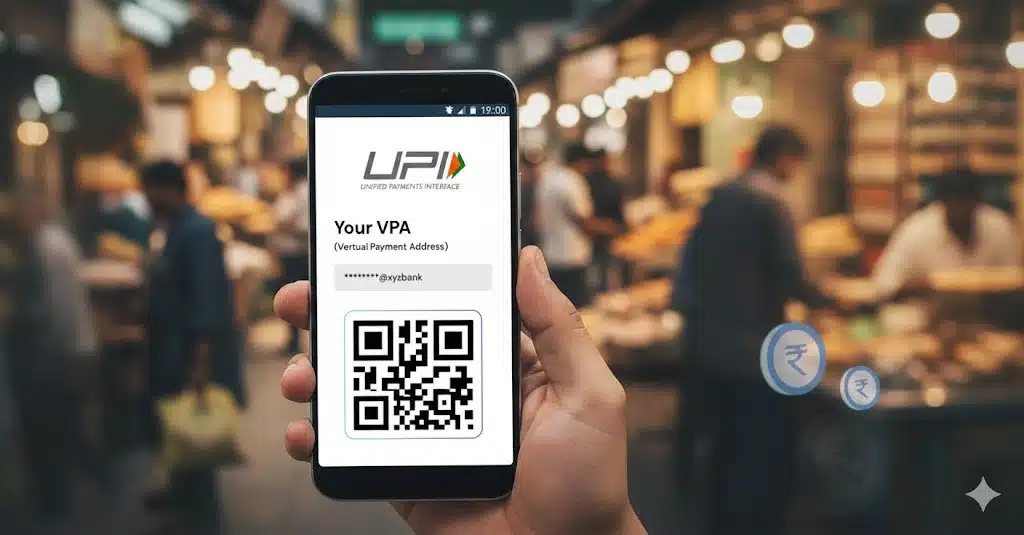
Together, they create a complete address that routes payments directly to your account without revealing your actual bank account number.
Benefits Of VPA For UPI Payments
- Privacy:
No need to share Account Numbers or IFSC codes. Your VPA keeps your banking details hidden from the person sending you money. - Interoperability:
Use one VPA across different apps. You can share the same VPA whether someone pays from Google Pay, PhonePe, or any other UPI app. - Easy to remember:
Much simpler than remembering a 16-digit account number. VPAs are short, easy to read, and you can make them with your name or phone number.
How To Find and Create Your VPA?
Finding your VPA is simple and takes less than a minute. Here’s a detailed step-by-step guide for the most popular UPI apps:
Google Pay:
- Open the Google Pay app on your phone
- Tap your profile picture at the top right corner of the home screen
- Select “Bank account” from the menu
- Choose the bank account for which you want to see the VPA
- Your UPI ID (VPA) will be displayed below the account details—it will look something like yourname@okicici or mobilenumber@oksbi
- Tap on the UPI ID to copy it or share it directly with someone who needs to send you money
If you have multiple bank accounts linked, each will have its own VPA. You can tap “Add bank account” to link more accounts and create additional VPAs.
PhonePe:
- Open the PhonePe app on your phone
- Tap your profile at the top left corner
- Go to “UPI Settings” or “Payment Methods”
- Select “My UPI IDs” or scroll down to see all linked UPI IDs
- Your VPA will be listed under your linked bank accounts—typically ending with @ybl, @ibl, or @axl
- Tap on any VPA to copy it or set it as your primary payment address
- You can also create a new VPA by tapping “Create New UPI ID” if you want a different username
PhonePe allows you to create multiple VPAs for the same bank account, which is useful if you want separate addresses for personal and business use.
Paytm:
- Open the Paytm app on your mobile device
- Tap “To Self” on the home screen OR tap your Profile icon at the top left
- If using “To Self”: Your primary Paytm UPI ID will be displayed at the top of the next screen
- If using Profile: Navigate to “UPI Settings” or “Payment Settings” from the menu
- Your Paytm UPI ID will be shown there—it typically ends with @paytm
- Tap to copy your VPA
- To create a new VPA: Go to “Paytm Payments Bank” or “Add Bank Account” section, link a new bank, and a fresh VPA will be generated automatically
Can You Have Multiple VPAs?
You can create multiple VPAs and link them to the same bank account or link different bank accounts to separate VPAs. This is useful if you use different apps for personal and business transactions.
| App Name | Common VPA Suffixes (Handles) |
|---|---|
| Google Pay | @okaxis, @okicici, @oksbi, @okhdfcbank |
| PhonePe | @ybl, @ibl, @axl |
| Paytm | @paytm |
| Amazon Pay | @apl, @rapl |
When you link your bank account for the first time in any UPI app, a VPA is automatically created for you. Always verify your VPA by asking a friend to send you ₹1 as a test transaction
Is VPA Safe?
VPA is very safe. UPI uses multiple layers of security to protect your money and information.
- Encryption:
UPI uses 256-bit encryption, the same level used by banks worldwide. This means your transaction data is scrambled and unreadable to hackers. - Two-Factor Authentication:
Every UPI transaction requires your mobile device (which is registered with your bank) and your UPI PIN. Even if someone knows your VPA, they cannot withdraw money without your PIN.
- The “Request” Trap:
Be careful of scammers who send payment “Collect Requests” and ask you to enter your PIN to “receive money.”
Remember: you only enter your PIN when sending money, never when receiving it. Genuine payments come through automatically without needing your PIN.
VPA vs. Traditional Bank Transfers
UPI with VPA has changed how we move money. Here’s why it’s better than older methods:
| Feature | VPA (UPI) | NEFT / IMPS |
|---|---|---|
| Details Required | Just the VPA (ID) | Account No + IFSC + Name |
| Speed | Instant (24/7) | NEFT can take hours |
| Cooling Period | None | Usually 30 mins to 2 hours for new |
| Charges | Generally Free | May have nominal charges |
VPA makes transfers instant and free, while traditional methods require more information and often involve waiting times.
This is why UPI has become India’s preferred payment method for everything from groceries to rent.
What To Do When VPA Payments Fail?
Sometimes UPI payments don’t go through. Here’s what usually goes wrong:
- Incorrect VPA: If the VPA doesn’t exist or is typed incorrectly, the payment will fail. Always use the “Verify” button before hitting pay. Most apps show the receiver’s name after verification.
- Server problems: Sometimes, banks or NPCI (the company running UPI) servers have issues. This stops payments for some time. Wait a few minutes and try again.
- Limit Reached: Most banks set a daily limit of ₹1 lakh for UPI transactions. If you’ve crossed this limit, you’ll need to wait until the next day or use another payment method.
Related Reads:
Conclusion: VPA Is Virtual Payment Address
A VPA is your UPI digital payment address that replaces traditional bank details. It looks like an email (e.g., ajay@paytm) and lets you send or receive money instantly without sharing your account number.
With strong encryption, two-factor security, and zero charges, VPA is the safest and fastest way to handle your daily transactions.
Just remember to keep your UPI PIN to yourself, never share it with anyone, and regularly check your VPA settings to ensure your bank accounts are correctly linked.
FAQs
You cannot change a VPA that already exists, but you can make a new one. To remove an old VPA, just unlink the bank account from the UPI app.
Yes, UPI payments need internet (mobile data or Wi-Fi). However, some banks offer *99# USSD service for basic UPI without internet, but it has limited features.
There’s no official limit. You can create multiple VPAs across apps, but each must be unique.
Open your UPI app (Google Pay, PhonePe, Paytm, etc.), go to your profile or bank account section, and look for “UPI ID” or “VPA.” It will be shown there.
VPA (Virtual Payment Address) and UPI ID mean the same thing. Different apps may use different terms, but they both refer to your unique payment address, like name@bankhandle.
Check your UPI app’s profile or settings section. In Google Pay, tap your profile picture and select “Bank account.” In PhonePe, go to “UPI Settings.” Your VPA will be listed there.
In PhonePe, your VPA is your UPI ID that ends with handles like @ybl, @ibl, or @axl. You can find it by tapping your profile picture and going to “UPI Settings” or “Payment Methods.”